Help ·
Word by word, always on screen
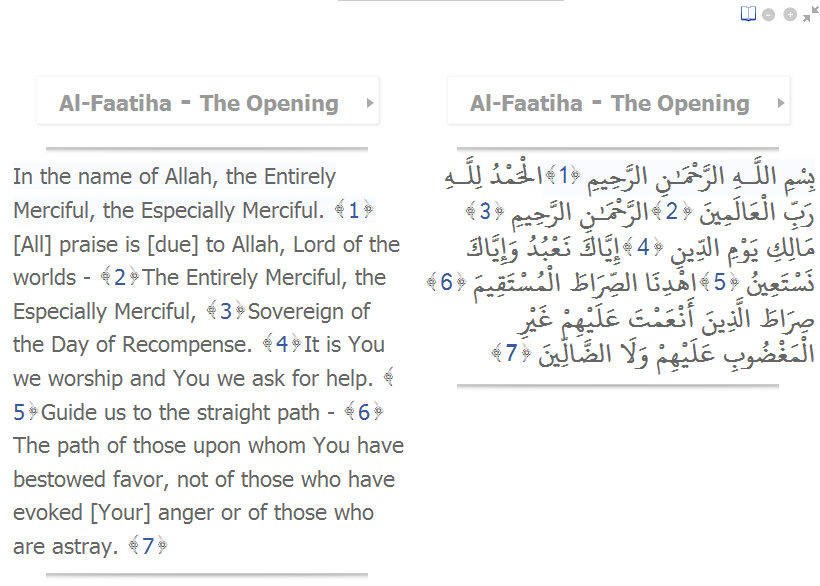
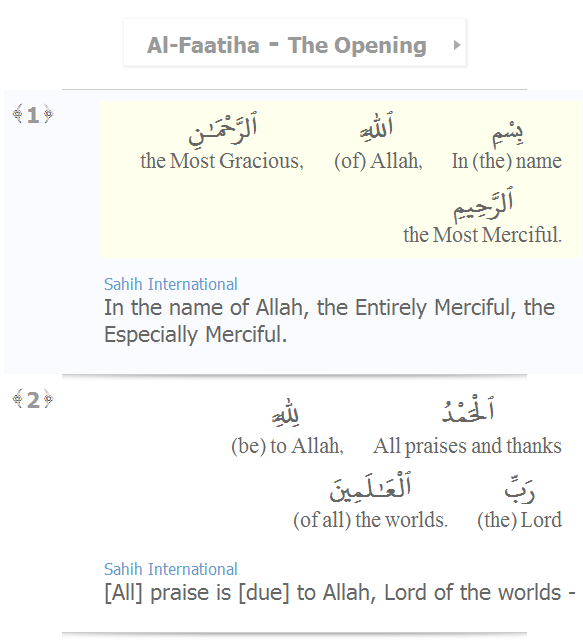
You can now see the Quran word by word and its translation at the same time. This helps you learn each word of the Quran and understand its meaning.
Every meaning under its word
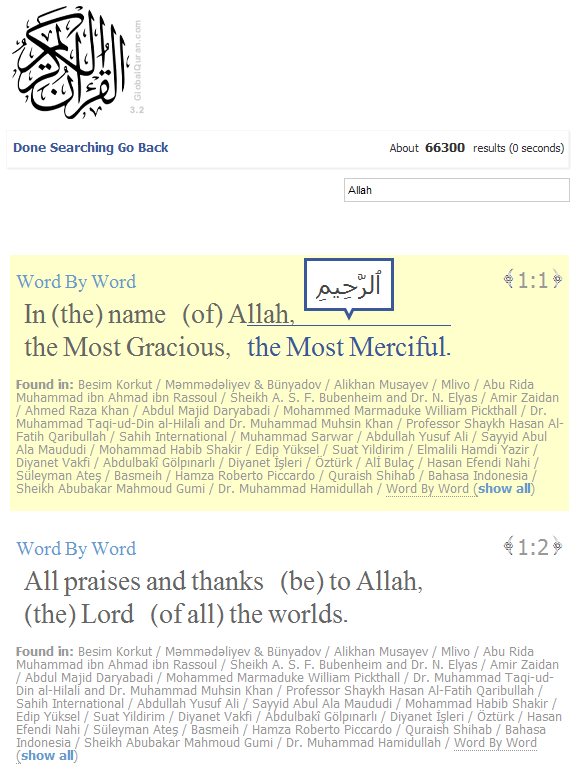
With “show on mouse over” switched off, each Arabic word carries its meaning right under it, followed by the translation of the whole verse.
Turning it on and off
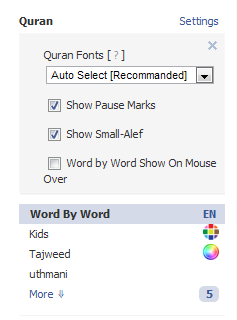
Open the Quran settings and use the option Word by Word Show On Mouse Over. Leave it unchecked to keep the meanings always on screen.