Help ·
Add the Quran to your WordPress site
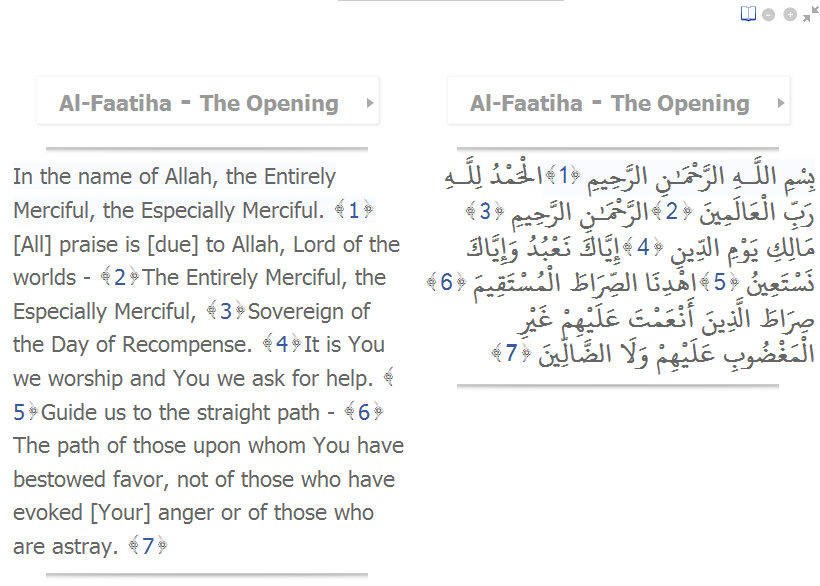
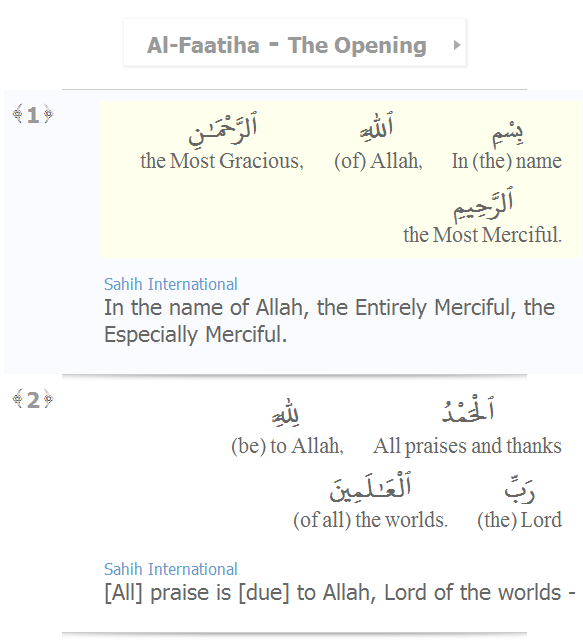
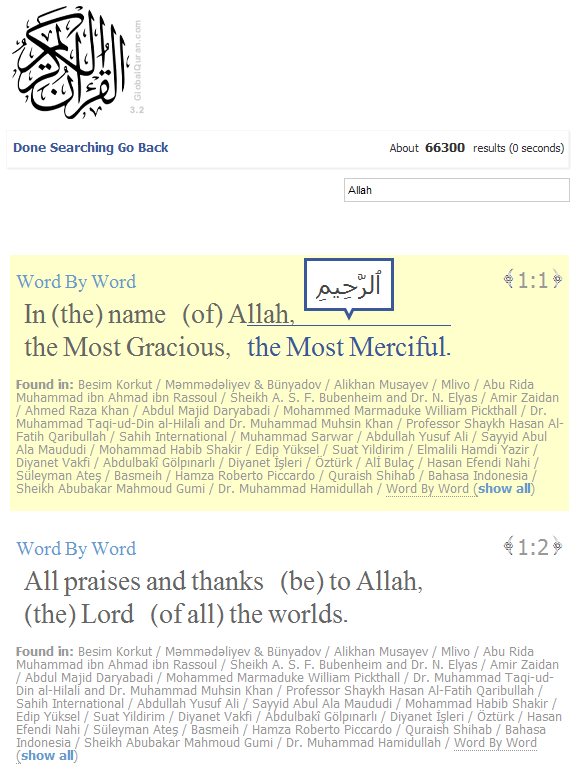
If your site or blog runs on WordPress and you want the Quran on it, this plugin adds the complete Quran website without any coding.
Today: these steps are for the 2011 version of the plugin. For the current ways to put the Quran on your website, see Embed the Quran.
How to install it (2011)
- Go to the admin area of your WordPress site.
- Choose Plugins, then Add New.
- Type globalquran and search the plugins. GlobalQuran shows up in the list.
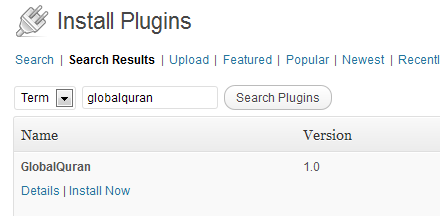
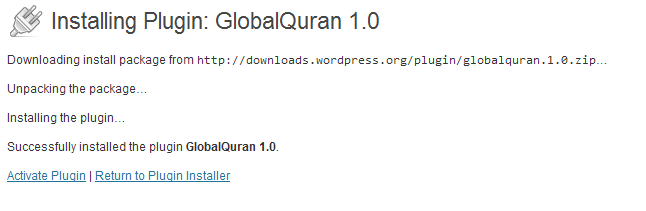
- Click Install Now.
- When it has installed, click Activate Plugin.
- Create a new page called “Quran” (any title works).
- Type
{GlobalQuran}anywhere in the content and publish.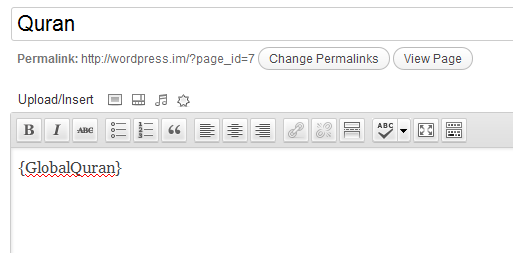
That is all. Preview your page.